As part of its Connected City initiative, the City of Vichy is taking a new step by launching Vichy Technique, its new citizen web application. This tool is dedicated to improving the quality of life for its residents.
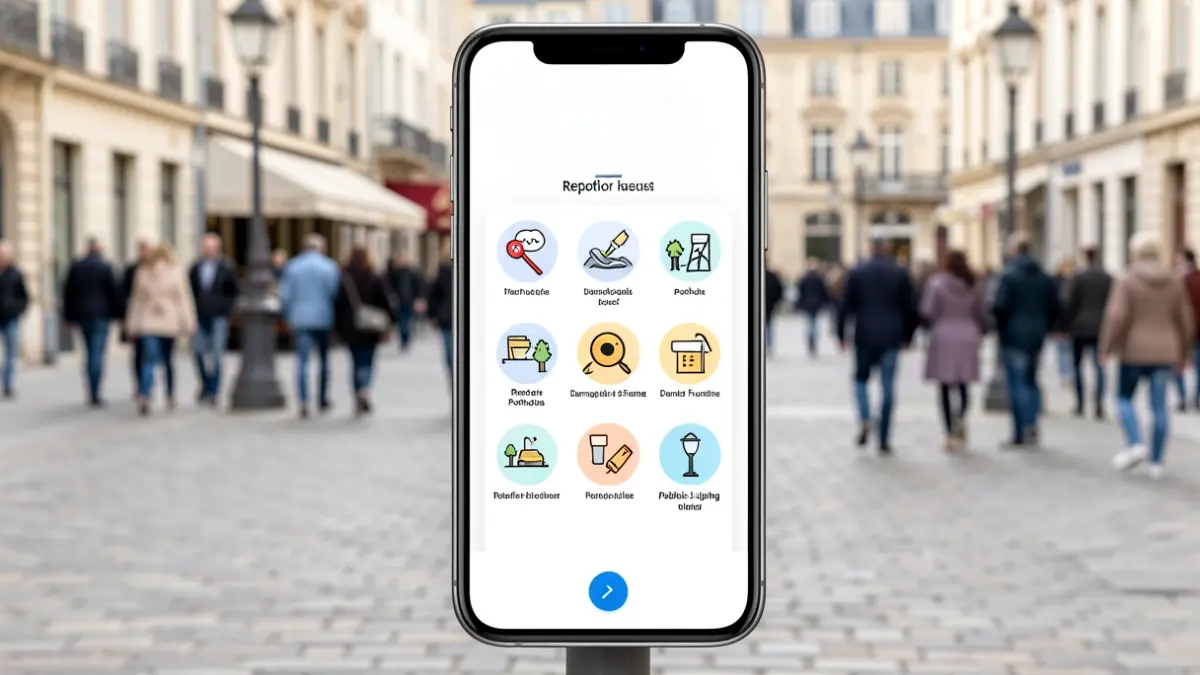
A pothole, damaged street furniture, a faulty public light, graffiti, or even an overflowing trash bag: from now on, a single action is needed, online reporting. Accessible to everyone, the platform allows users to report a problem in just a few clicks, directly from a computer, tablet, or smartphone. The request is then transmitted in real-time to the relevant municipal department for a faster and more efficient intervention.
One of the key advantages of this new application is the transparent follow-up of each request. Each citizen can track the progress of their report at every stage: request received, under processing, and intervention completed. This tool thus promotes transparency, the responsiveness of municipal services, and dialogue between the City and its inhabitants.
By launching this citizen web application, the City of Vichy reaffirms its commitment to placing residents at the heart of public action and leveraging digital technology to sustainably improve the living environment. Residents are encouraged to create an account now to contribute to a cleaner, safer, and more pleasant city.
The application is also accessible as a Web-app. On Android, open the site in your browser, tap the three dots in the top right corner, and select 'Add to Home screen'. On iPhone, after opening the site, tap the Share icon (the square with an upward arrow) and select 'Add to Home Screen'. On a computer (Chrome), a small installation icon appears to the right of the address bar.